Answer your coding agent from a robot on your desk
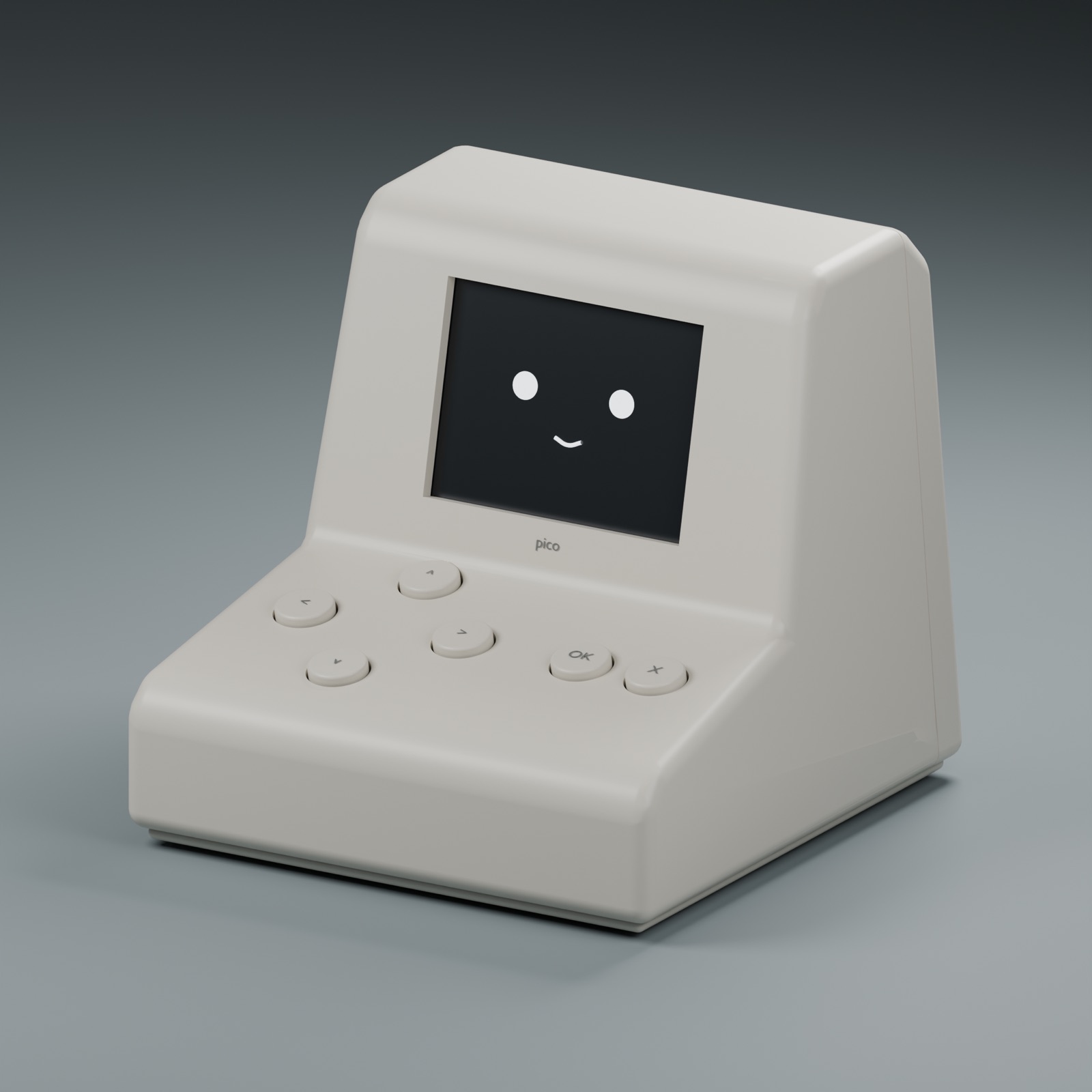
Pico shows what Claude Code or Codex is asking for, then sends your approve, reject or answer back over Wi-Fi. You stop watching the terminal and still stay in control.
Why a physical device
Coding agents pause often to ask for permission. Those prompts are easy to miss in a background window and easy to approve without reading. Pico gives each request a place on your desk, with a face that shows the agent's state and buttons that make each answer a deliberate action.
What Pico needs to do
Show the request
Approvals, confirmations and questions appear on a 2.8-inch screen.
Take a clear answer
Approve and reject buttons, plus four direction buttons for choices and scrolling.
Signal state without a window
Faces for working, waiting, approval needed, error and done, with different beeps by importance.
Controller
ESP32-S3
Wi-Fi, USB-C powered
Display
240 × 320
2.8-inch SPI screen
Buttons
6
Approve, reject, four directions
Printable parts
20
14 main pieces, 6 fit tests