Vision and goals
Why we build Pico, what it must do, what it is made of and the order of the work.
Project vision
An AI coding agent is a program that writes and runs code for you. It works alone for a long time. Then it stops and waits for your permission or your answer.
If you do not watch the screen, the agent waits and does no work. If you watch the screen, you lose the time that the agent saves.
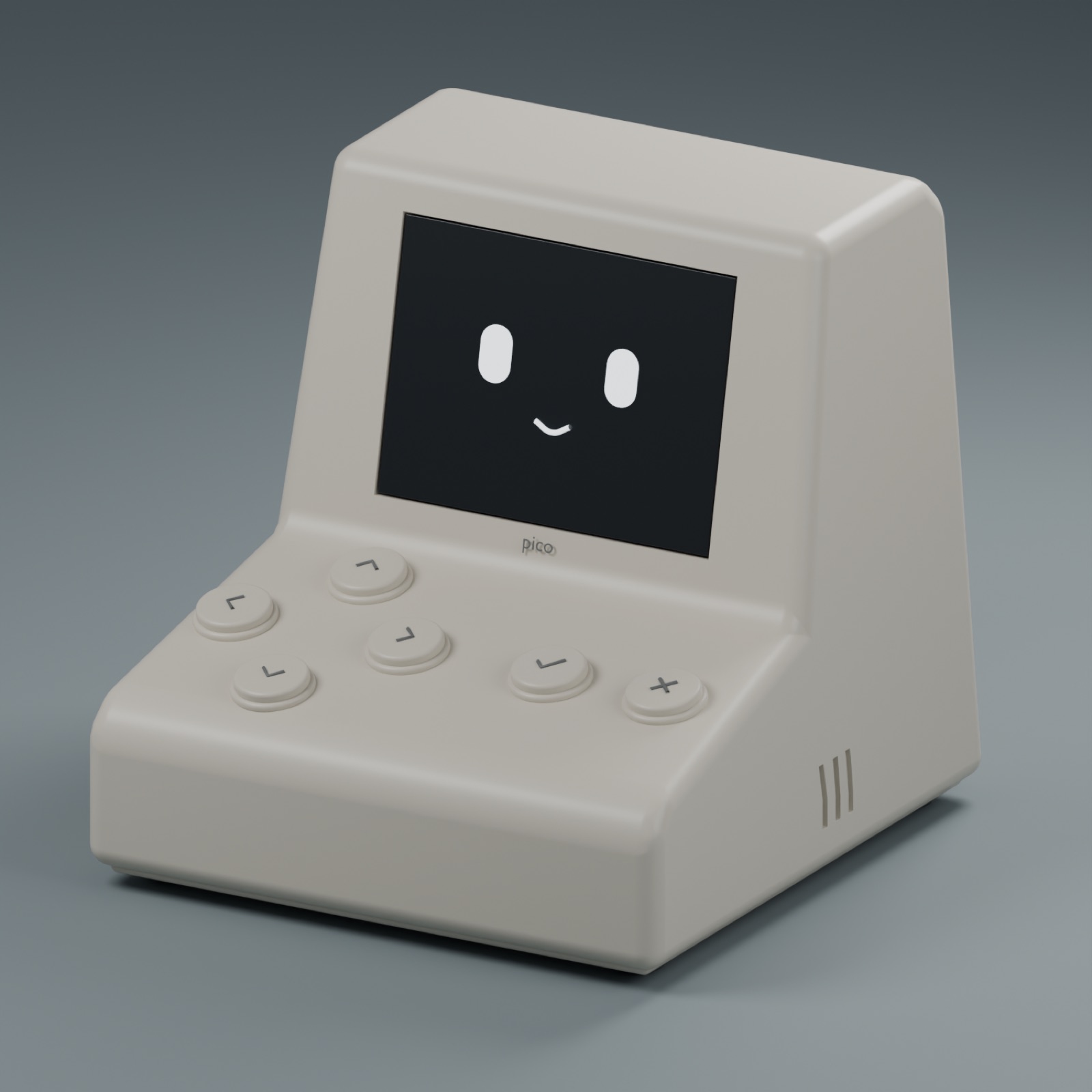
Pico is a small robot that sits on your desk. It shows each request from the agent on its screen. You answer with a button, and Pico sends your answer back over Wi-Fi.
The agent continues to run on your computer. Pico only carries the request and your answer. Our aim is a low-cost device that you can build without solder and that keeps you in control of your agent.
Key goals
These goals come from the features that Pico must have. Each goal is one part of the work.
Wi-Fi connection
Pico receives requests from the agent over Wi-Fi. It sends your answers back to the computer on the same network.
Clear requests on the screen
The 2.8-inch screen shows each approval, confirmation and question. It shows enough text for you to decide.
Approve and reject buttons
Two buttons approve or reject the request on the screen. Each answer is a physical press, not a click in a busy window.
Choices and scrolling
Four direction buttons select an answer to a multiple-choice question. They also scroll through long messages.
A face for each state
Animated faces show when the agent works, waits, needs approval, stops with an error or completes a task.
Sounds by importance
Pico plays a different sound for each type of request. You can hear the type of request without a look at the screen.
Low-cost build without solder
Pico uses modules that local shops in Bangladesh sell. Jumper leads and a breadboard connect all the parts, so you do not need a soldering iron.
Requests that people read
Tests with users will find out whether people read each request before they approve it.
Components
Pico uses a small set of electronic modules, and each module has one job. The firmware (the program that runs on the device) runs on the ESP32 board.
These are the target electronics for Pico v0. We compared them with local shop listings on 26 September 2026. We did not buy or measure them yet. The photos show the same type of part.
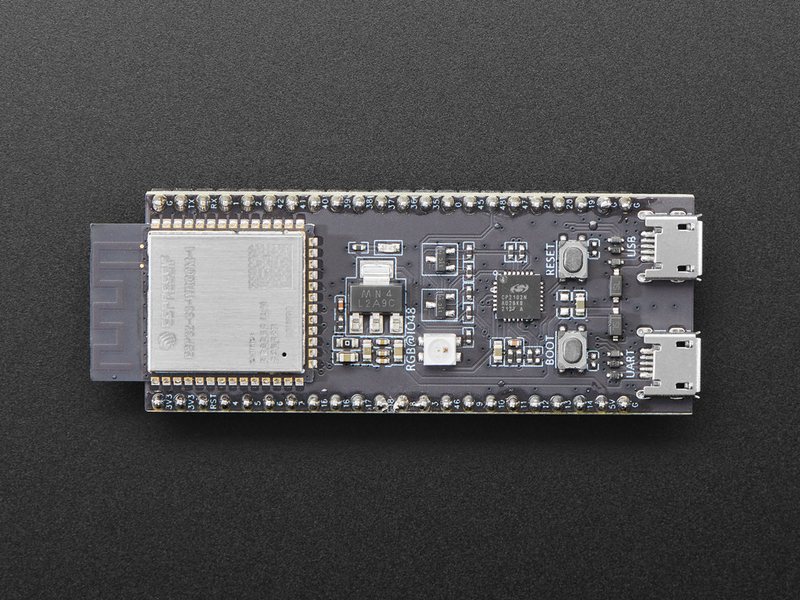
ESP32-S3-WROOM-1 N16R8 board
Runs the firmware and connects to Wi-Fi.
An ESP32-S3-DevKitC-1 with the same WROOM-1 module. Photo: Adafruit, CC BY-NC-SA 2.0.
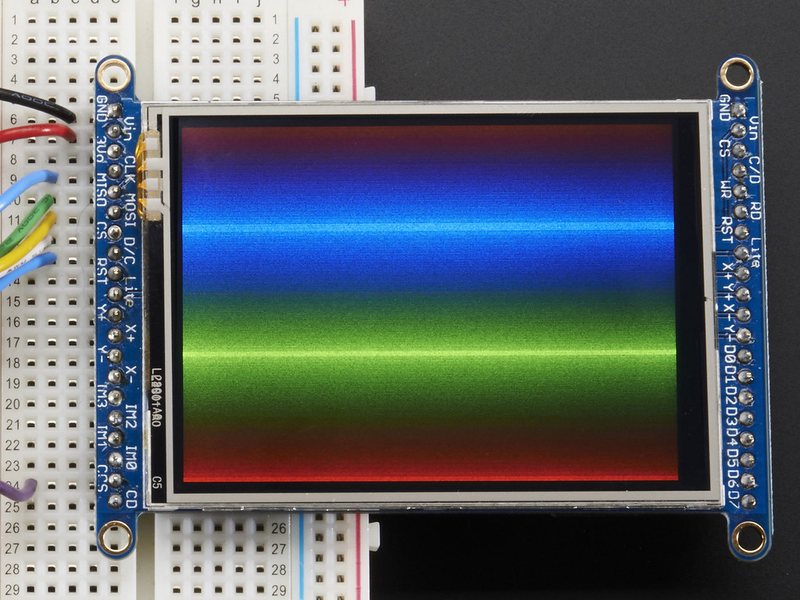
2.8-inch 240 × 320 SPI display
Shows the faces, requests and messages.
A 2.8-inch 240 × 320 TFT display of the same size. Photo: Adafruit, CC BY-NC-SA 2.0.
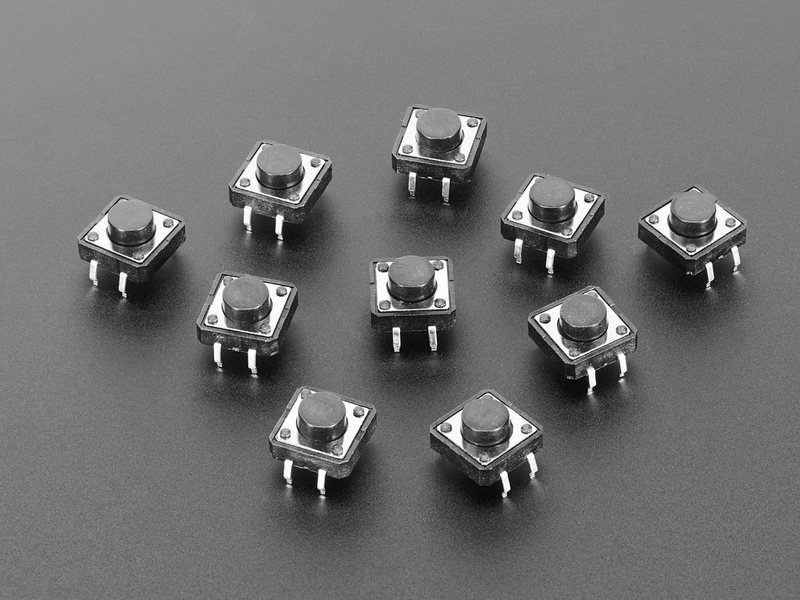
Push button modules
Approve, reject and four directions.
The 12 mm tactile switch that each module uses. Photo: Adafruit, CC BY-NC-SA 2.0.
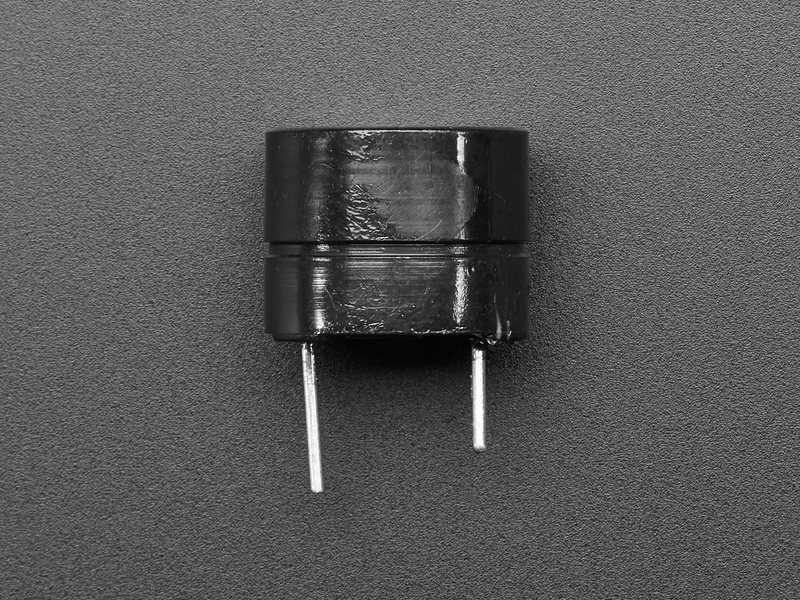
Active buzzer module
Plays the notification sounds.
An active 5 V buzzer, the part on the module board. Photo: Adafruit, CC BY-NC-SA 2.0.
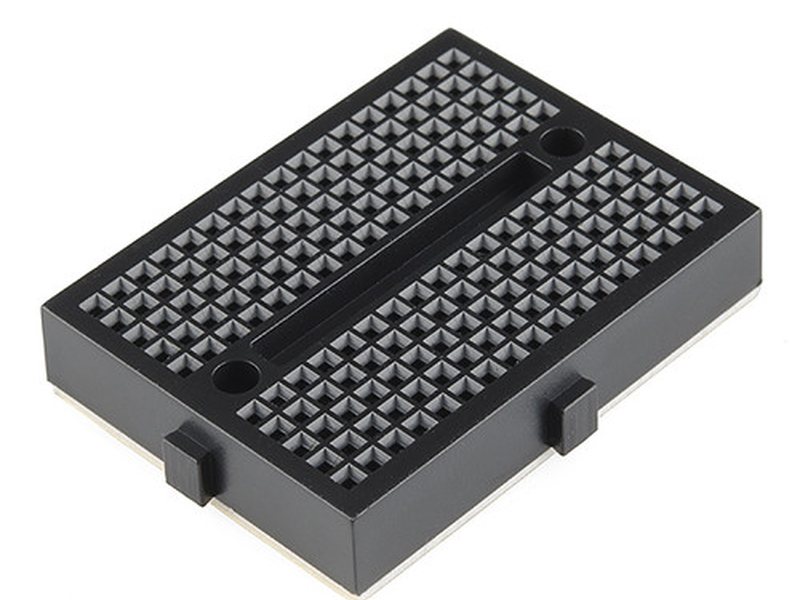
Mini breadboard, 170 points
Connects the wires without solder. It attaches to the rear cover.
A 170-point mini breadboard. Photo: SparkFun, CC BY 2.0.
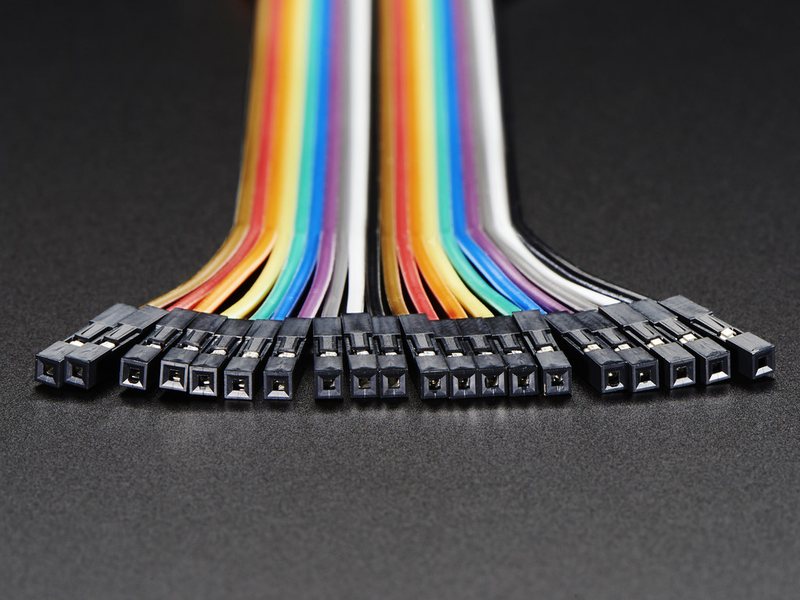
Jumper leads, 10 to 20 cm
Connect the modules to the breadboard.
Female-to-female jumper leads, 15 cm. Photo: Adafruit, CC BY-NC-SA 2.0.
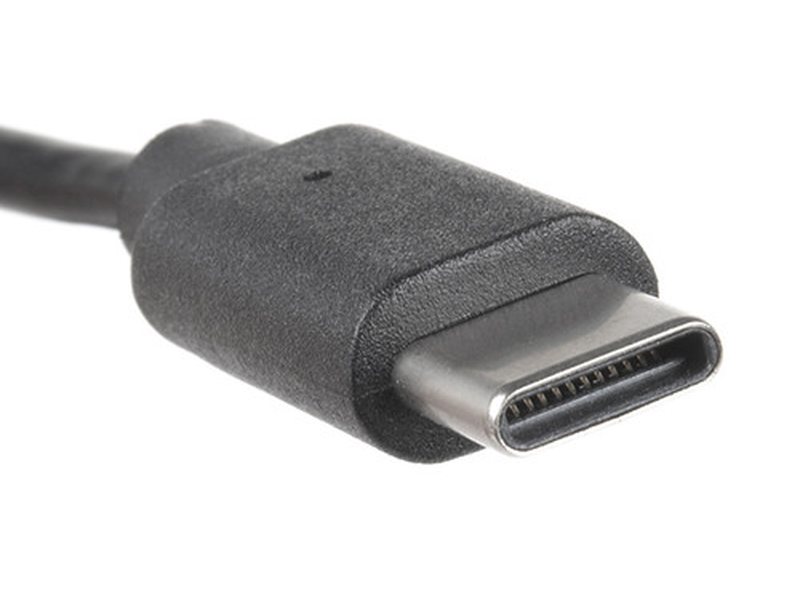
USB-C cable and power supply
Supplies power and loads the firmware.
The USB-C end of a cable. The power supply is not in the photo. Photo: SparkFun, CC BY 2.0.
The enclosure has 14 printed parts and 6 small test pieces, all in one color. M3 screws and nuts hold the parts together. You do not need heat-set inserts.
Roadmap
The work goes in nine phases, from research to tests with users. An STL file is a 3D model file for a printer. A fit test is a small print that tests one measurement.
| Phase | Stage | Status | Work |
|---|---|---|---|
| 1 | Literature review | Done | We read 10 research papers about robots that ask for help, trust in AI and robots that are physically present. |
| 2 | Component selection | Done | We chose modules that local shops in Bangladesh sell. We compared each module with the shop listing on 26 September 2026. |
| 3 | Enclosure design | Done in software | We made 20 printable STL files in Blender. Software tests found no parts that overlap. |
| 4 | Fit tests | Next | We will print five small test pieces (J, K, L, M and P) and compare them with the real modules. |
| 5 | Print and assembly | Planned | We will print the full enclosure and assemble it with M3 screws and nuts. |
| 6 | Firmware | Planned | We will write the program for the screen, faces, buttons, buzzer and Wi-Fi. |
| 7 | Agent bridge | Planned | We will write a program on the computer that sends Claude Code and Codex requests to Pico. |
| 8 | Testing and integration | Planned | We will connect all the parts and test the full path from a request to an answer. |
| 9 | User testing | Planned | We will find out whether people read each request before they approve it. |
Project innovation
A place on your desk
A desktop notification disappears behind other windows. Pico sits on your desk and keeps the request in view until you answer.
A deliberate answer
You press a real button to approve a request. This action gives you a moment to read the request first.
State without a window
The face shows what the agent does. You do not have to open the terminal to find out.
One device for more than one agent
We plan Pico for Claude Code and Codex. The agent bridge on the computer does the translation for each agent.
Research supports parts of these ideas. People react differently to a robot on the desk than to an agent on a screen. Designs that make people stop and think reduce their trust in wrong AI answers. No study tests a device like Pico, so tests with users are part of the plan. The papers are on the Updates page.